
BrioStack Integration
Connect Smarter Launch with BrioStack to eliminate double data entry, keep your CRM up to date automatically, and give your field team instant access to proposals — all without leaving BrioStack.
BrioStack
Field Service Management
BrioStack is a field service management platform built for pest control. The Smarter Launch integration connects your proposal workflow directly to the CRM your technicians use every day.

Smarter Launch
Proposal PDFs
BrioStack
Your CRM of record
Two systems. One source of truth.
The BrioStack integration keeps customer records, proposal PDFs, and team data in sync. Scheduling preferences can be captured in Smarter Launch and included in the PDF sent to BrioStack.

Automatic Customer Sync
New customers created in Smarter Launch are automatically pushed to BrioStack. Smart deduplication checks for existing records before creating new entries — your CRM stays clean.
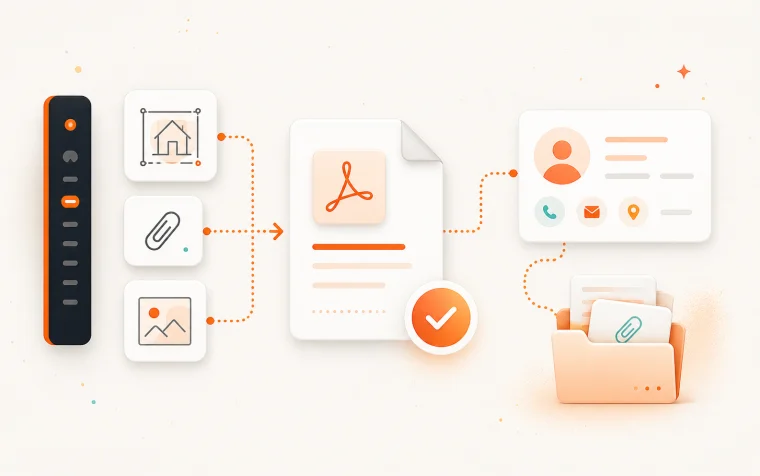
Proposal Delivery to BrioStack
Accepted proposals are automatically attached as PDFs to the matching customer record. If you collect scheduling preferences, they can be included in the PDF.
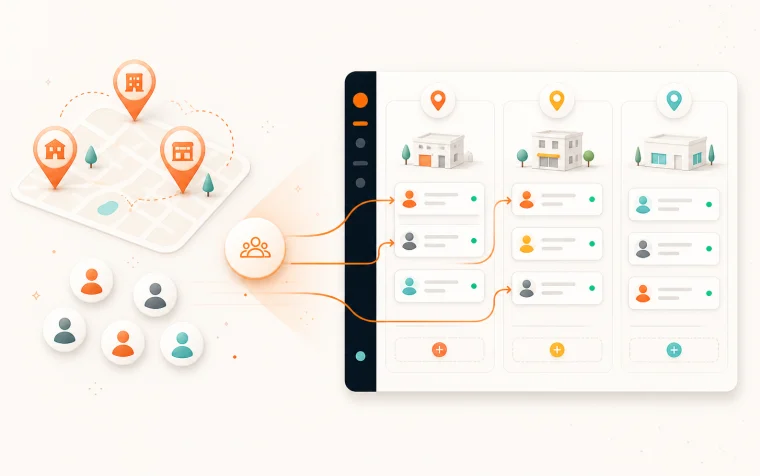
Team & Location Import
Pull your BrioStack branches into Smarter Launch as service locations. Import technicians and employees and optionally send them automatic invites, assigning them to the right locations.
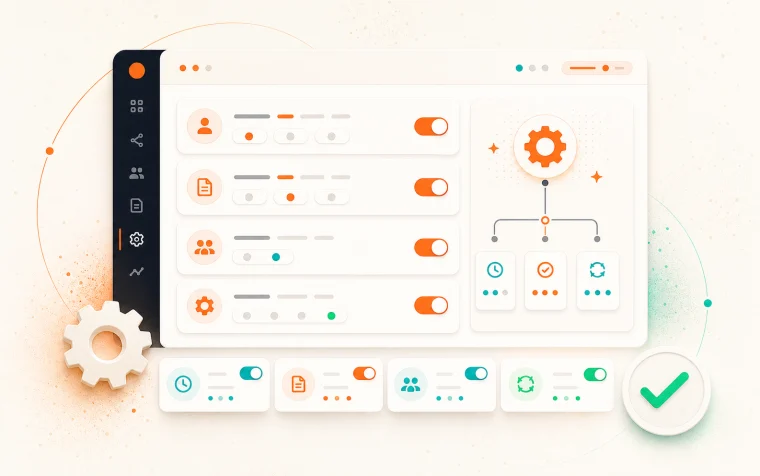
Flexible Configuration
Choose when customers are pushed — on creation, on proposal acceptance, or both. Choose when proposals attach — on send, on acceptance, or both. All toggleable from the integration settings page.
Configuration Options
- Push customers on creation, acceptance, or both
- Attach proposal PDFs on send, acceptance, or both
- Include scheduling preferences inside the delivered PDF
- Trigger team and location sync on demand
Stop entering the same data twice.
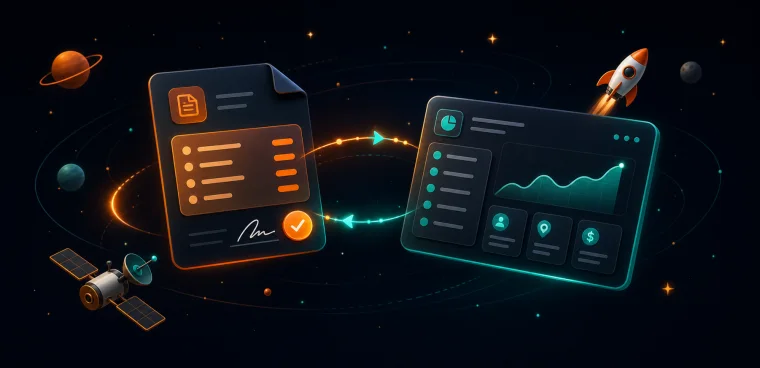
No Double Entry
No duplicate data entry — customer records flow automatically between systems
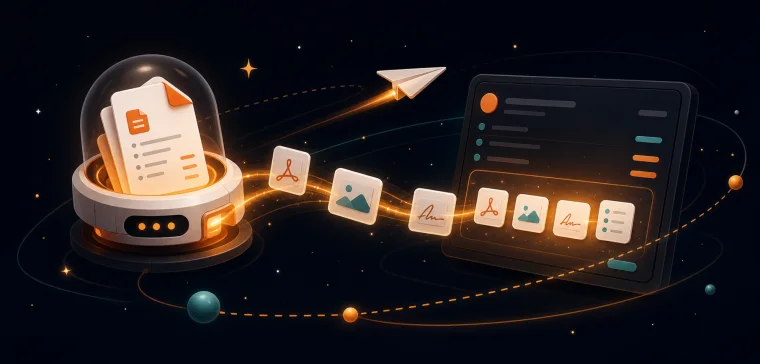
Technician Delivery
Technicians stay in BrioStack — proposals are delivered to them where they already work
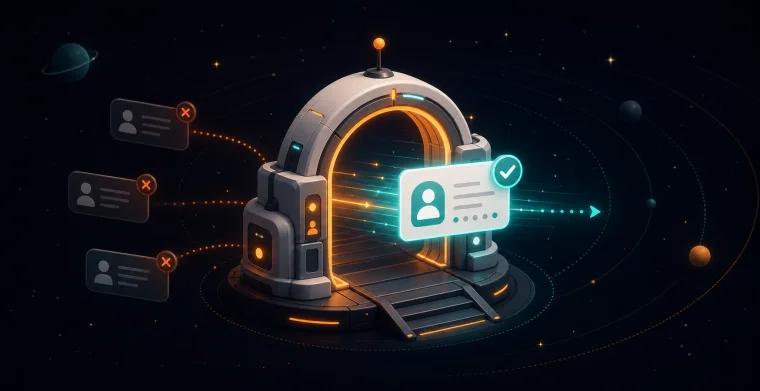
Qualified Customer Push
Only real customers enter your CRM — tie customer creation to proposal acceptance so unqualified leads don't pollute BrioStack
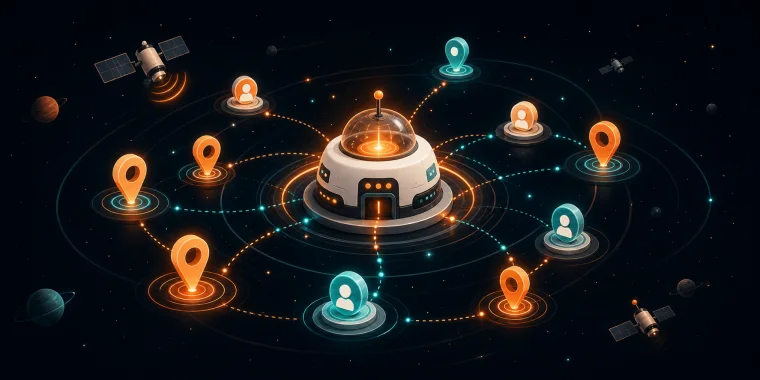
Team Import
Team setup in minutes — import your entire team and all locations from BrioStack in one click
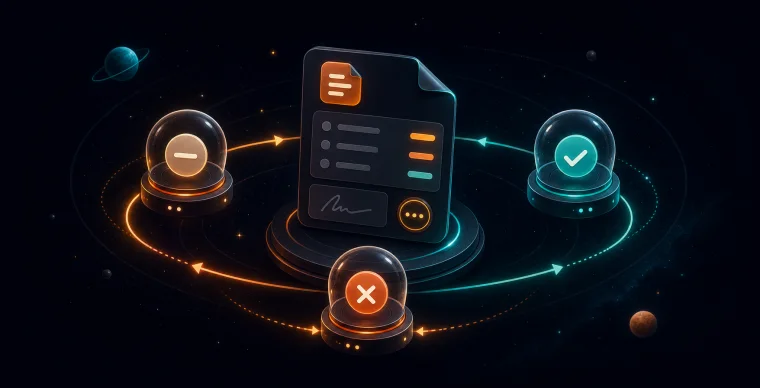
Auto Updates
Keeps itself current — locations and staff stay automatically up to date
Set up once. Runs forever.
Connect your BrioStack account
Paste your BrioStack API credentials in the Smarter Launch integration settings. The connection is verified instantly.
Import locations and team
Pull your BrioStack branches as service locations and import your technicians in one click. Optionally send invites to bring them into Smarter Launch automatically.
Configure sync rules
Choose when customers are pushed and when proposal PDFs attach. Set it once — the integration handles the rest.
Send proposals as normal
Your team builds and sends proposals in Smarter Launch. Customer records and PDFs flow to BrioStack automatically.
Everything stays in sync
New team members and locations added in BrioStack sync back on demand. No manual updates needed.
Already using BrioStack?
See how the integration works in a live demo — we'll walk through the setup and show you the sync in action.
Related Resources
Stop losing deals.
Start closing them.
Join hundreds of growing field service companies using Smarter Launch to win more business every day.