
FieldRoutes Integration
Connect Smarter Launch to FieldRoutes to keep both platforms in sync automatically — no double data entry, no missed paperwork, and no switching tools to get your team what they need.
FieldRoutes
Field Service Management
FieldRoutes is a field service management platform built for pest control and home services. The Smarter Launch integration connects your entire proposal workflow to the CRM your team already lives in.
Sync in both directions. Zero manual effort.
The FieldRoutes integration connects your proposal workflow to your CRM — customer records, documents, tasks, and team data stay in sync automatically.

Two-Way Customer Sync
Push new customers from Smarter Launch to FieldRoutes automatically. Changes made in FieldRoutes — name, address, contacts — flow back in real time. Smart deduplication by email prevents duplicate records.
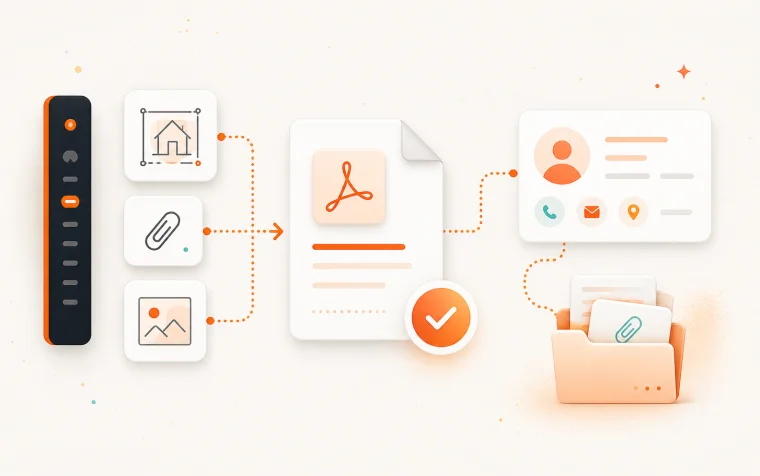
Proposal & Document Delivery
Proposal PDFs attach to the matching FieldRoutes customer record on send or acceptance. Notes, site drawings, and attachments can be included. Failed pushes are retryable without recreating the proposal.
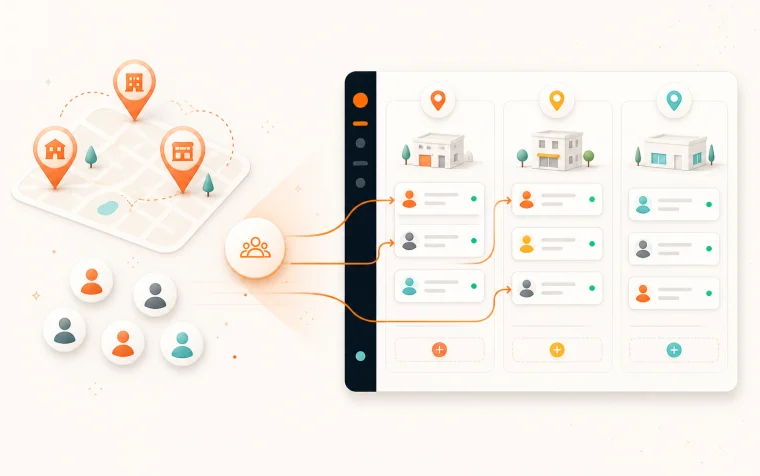
Team & Location Import
Pull your FieldRoutes offices into Smarter Launch as service locations. Import employees, create their Smarter Launch accounts, and assign them to the right locations — all in one step.
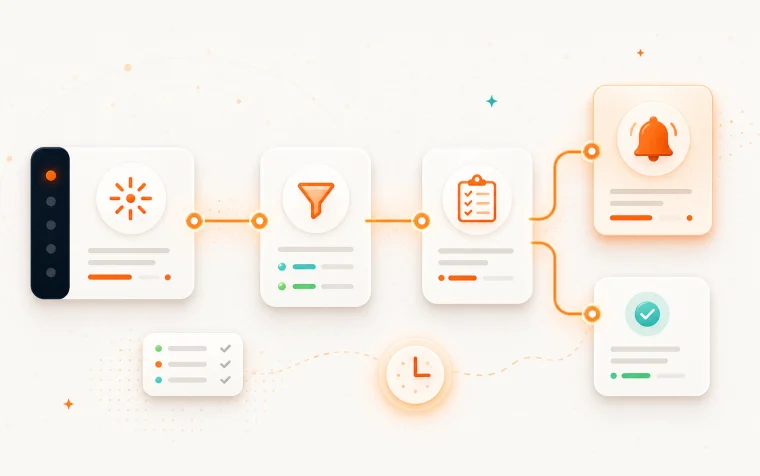
Task & Alert Automation
Use Smarter Launch automations to create tasks or alerts in FieldRoutes based on proposal and customer events. All task categories supported — Billing, Scheduling, Service, Sales, Follow-up, and more.
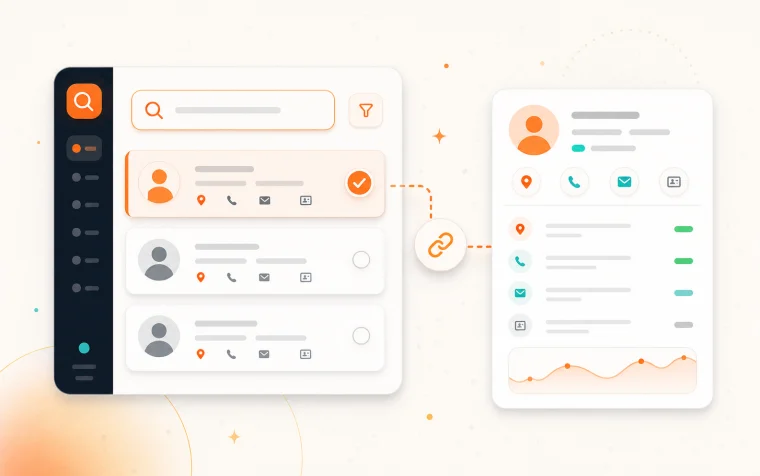
Customer Search
Search your entire FieldRoutes customer base from Smarter Launch by name, address, email, phone, or customer ID. Link existing records without creating duplicates.
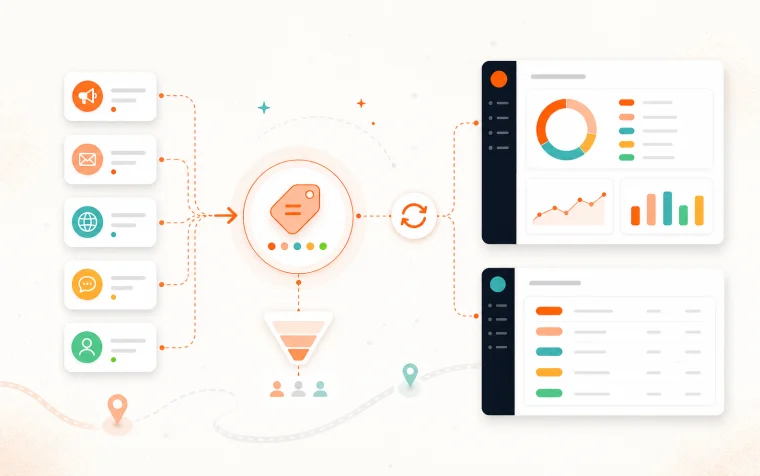
Referral Source Sync
Customer sources from FieldRoutes are imported as referral sources in Smarter Launch, keeping lead attribution consistent across both platforms.
Set up once. Runs forever.
Connect your FieldRoutes account
Paste your FieldRoutes API credentials in Smarter Launch integration settings. The connection is verified instantly.
Import offices and team
Pull your FieldRoutes offices as service locations and import employees in one click, with accounts created automatically.
Configure sync rules
Choose when customers push to FieldRoutes — on creation, on proposal acceptance, or both. Set document delivery preferences once.
Send proposals as normal
Your team works in Smarter Launch. Customer records, PDFs, and notes flow to FieldRoutes without any extra steps.
Automations fire on events
Proposal accepted? Customer created? Smarter Launch can create FieldRoutes tasks automatically so nothing falls through the cracks.
FieldRoutes × Smarter Launch
Hear directly from the FieldRoutes team about the integration, what it means for pest control operators, and how it fits into a modern field service workflow.
What flows where.

Smarter Launch
Proposals & scheduling
FieldRoutes
Your CRM of record
From
Smarter Launch → FieldRoutes
- New customers pushed automatically
- Optional: push only on proposal acceptance
- Deduplication by email before creating records
- Additional contacts synced alongside primary record
- Proposal PDFs attached on send or acceptance
- Internal notes pushed as FieldRoutes customer notes
- Site drawings and attachments included
From
FieldRoutes → Smarter Launch
- Account name and address updates flow back
- Contact information stays current
- Offices imported as Smarter Launch locations
- Employees imported and assigned to locations
- Customer sources synced as referral sources
Sync Configuration
- Push customers on creation, acceptance, or both
- Attach proposal PDFs on send, acceptance, or both
- Optionally include notes and site drawings
- Failed document pushes retryable without recreating
- Referral source sync keeps attribution consistent
Stop entering the same data twice.
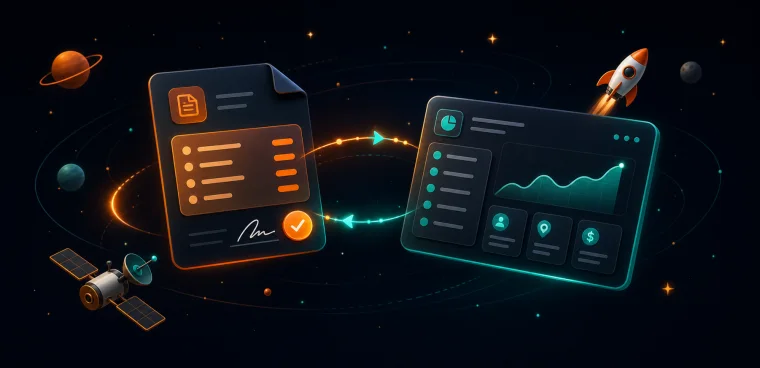
Single Source of Truth
One source of truth — customer records stay consistent across both platforms without manual effort
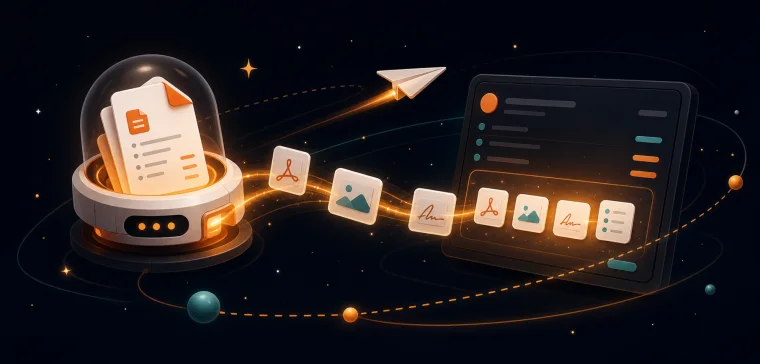
Document Delivery
Proposals delivered where your team works — PDFs and notes land directly on the customer's FieldRoutes profile
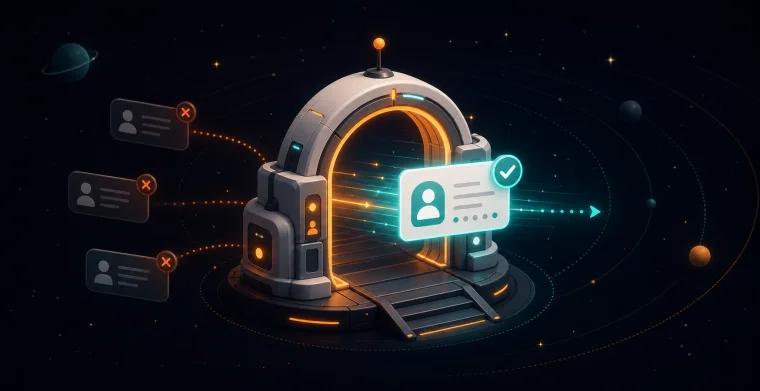
Qualified Customer Push
Only real customers enter your CRM — tie customer creation to proposal acceptance so unqualified leads stay out
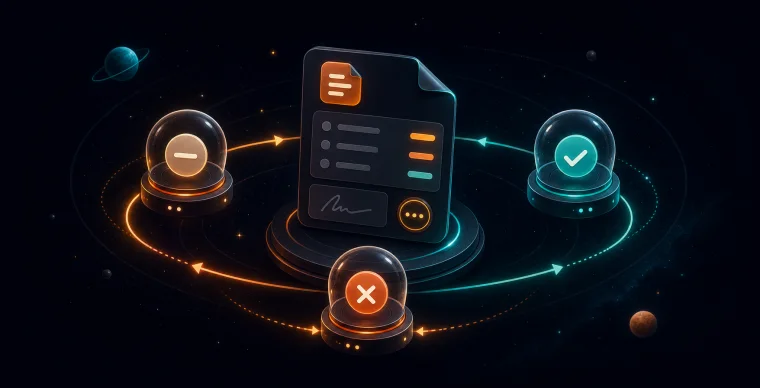
Automated Follow-Up
Automate your follow-up — turn proposal and customer events into FieldRoutes tasks automatically
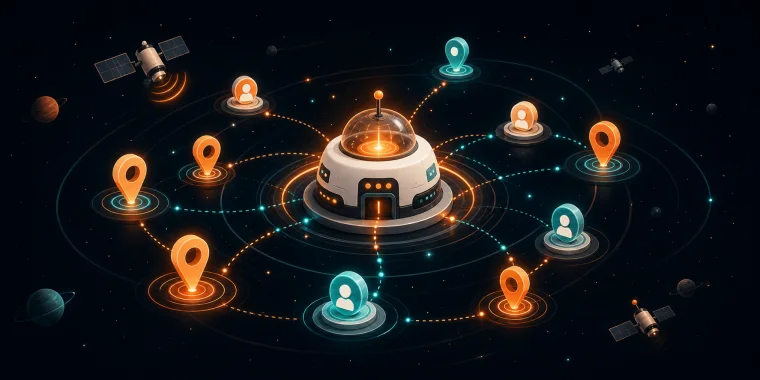
Team Import
Your whole team, connected — import staff and locations from FieldRoutes in one step
Already using FieldRoutes?
See the two-way sync in action — we'll walk through setup and show you exactly how data flows between both platforms.
Related Resources
Stop losing deals.
Start closing them.
Join hundreds of growing field service companies using Smarter Launch to win more business every day.