
You Built a Proposal Tool in a Weekend With AI. Here's What It Didn't Tell You.
AI can get you a working proposal tool in a weekend. The demo is the easy part — here's the invisible last 20% nobody quotes you on, and the honest math on what running it yourself really costs.


TL;DR
AI can help you build a convincing software prototype quickly, but before turning it into a system your business depends on, price and assign ownership for the parts the demo does not show: hosting and scaling, monitoring and support, tested backups, security and secret management, insurance and customer security requirements, third-party services and form licensing, messaging and signature compliance, reliable mobile and offline operation, approved FSM integrations, and ongoing maintenance. Then account for the human cost — time pulled away from core roles, dependence on the original builder, slower onboarding for every new hire, and the growing infrastructure bill as usage increases — and compare that full multi-year commitment with buying a supported platform.
Let's start by being honest about something genuinely amazing: you can now go from "I wish our proposal process worked like this" to a real, clickable, working tool in a single weekend — without a computer science degree, without a dev team, without writing a line of code yourself.
Your marketing manager describes the idea to Claude or ChatGPT. Cursor scaffolds the whole thing. A few hours of back-and-forth later, there's a working app on the screen. It generates proposals. It captures a signature. It works.
That's not hype. It's real, and it's remarkable. A few years ago this was impossible for anyone but a funded software team. So first — nice work, honestly. That instinct to build the thing you need is exactly the kind of resourcefulness that makes a services business run.
Here's the part the AI didn't mention, because you didn't ask and it had no reason to volunteer it: the demo isn't the hard part. Getting to "it works on my screen" is now easy. Getting to "it runs my business reliably, every day, for years, without falling over" is a completely different mountain — and that's the part nobody quotes you on.
The 80% trap
AI tools are astonishingly good at the first 80% — the part you can see. The demo. The happy path where everything goes right.
The last 20% is invisible, and it's where all the real work lives: what happens when two reps save at once, when a customer's browser does something weird, when the payment fails halfway, when the data gets corrupted, when someone tries to break in. That 20% is the entire difference between a prototype and a product. And it's the part AI quietly skips unless you already know to demand it — which, if you're not a developer, you don't.
None of the following are reasons you did something wrong. They're just the things that live in that last 20%, and they don't go away because the demo looked great.
Who fixes it at 1 PM on your busiest day?

You don't have a developer on staff. So when the tool goes down mid-sale — and software goes down — who fixes it? The marketing manager who "built" it can prompt an AI to generate code, but debugging a live production outage under pressure, with a customer sitting across the kitchen table waiting to sign, is a different skill entirely. You can't prompt your way out of a database that won't respond.
With a real vendor, an outage is their engineers, their on-call process, and their documented support commitments. When you build it yourself, the outage is yours — and you may not have anyone who can actually resolve it.
Hosting is not "just put it online"
"Deploy the app" sounds like one button. It isn't. Running software your business depends on means someone owns:
- Servers or cloud infrastructure that has to stay up
- Domains, SSL certificates, and renewals (often automated, but still something someone has to configure and monitor)
- Scaling when your whole team hits it Monday morning
- Environment configuration, secrets, and keys
- Monitoring, so you find out it's down before your customers do
AI can help write the code and automate parts of the infrastructure. It does not assign ownership, respond to alerts, or make the operational decisions for you. That's an ongoing job, and right now that job is unassigned — which usually means it lands on whoever built it, on top of their actual role.
Backups: the risk that ends businesses, not just days
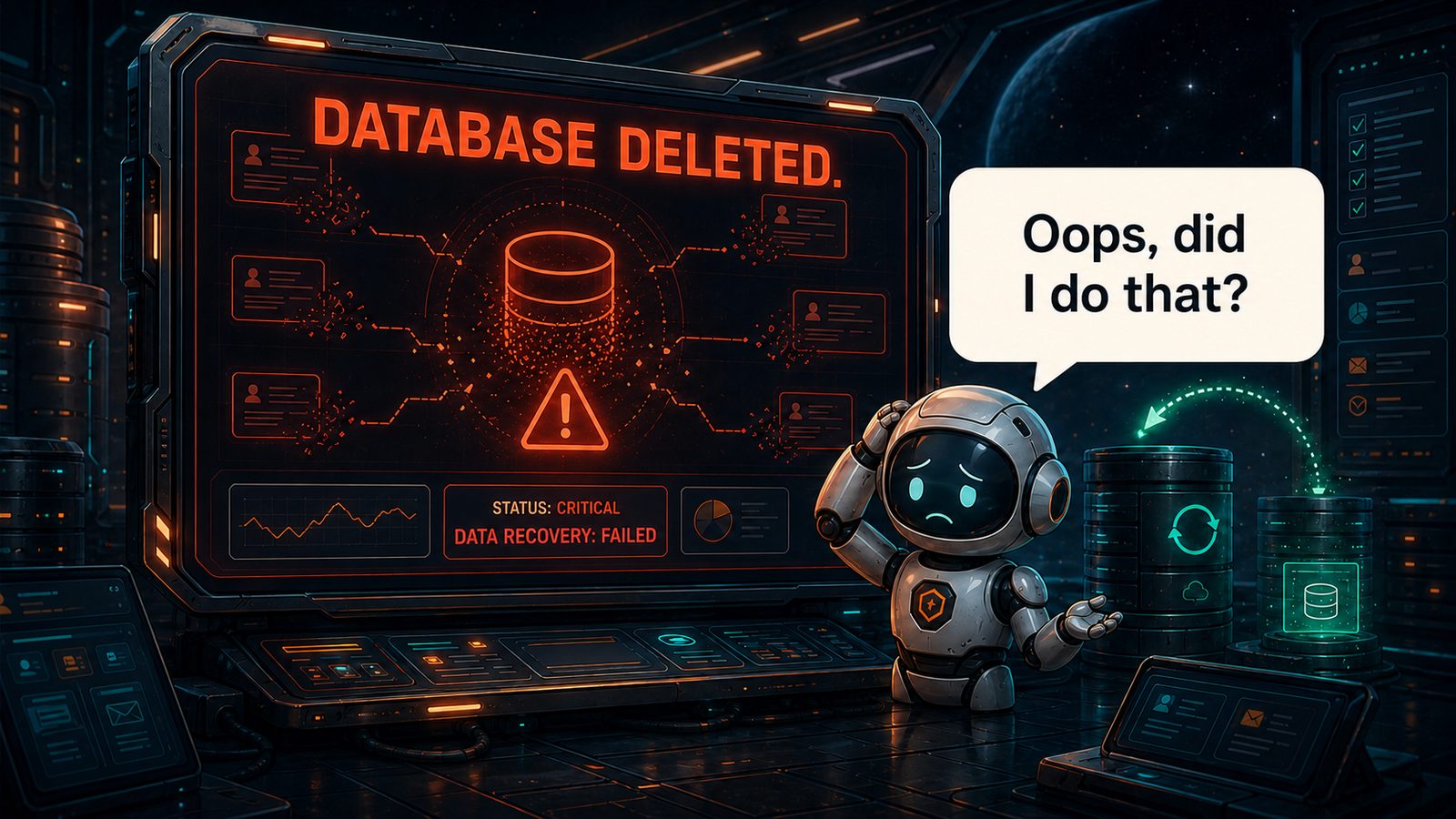
Ask the person who built your tool one question: if the database gets corrupted or accidentally deleted tomorrow, can we get it back?
If the answer isn't an immediate, confident "yes, we have automated backups and we've tested restoring from them" — you're one bad afternoon away from losing every proposal, signature, and customer record you've ever stored. Fast-built prototypes often launch without tested restores, because backups still have to be explicitly configured, tested, and monitored. Your proposal history is your business records. Losing it isn't a bad day; it's an existential one.
Security is a liability you're now holding
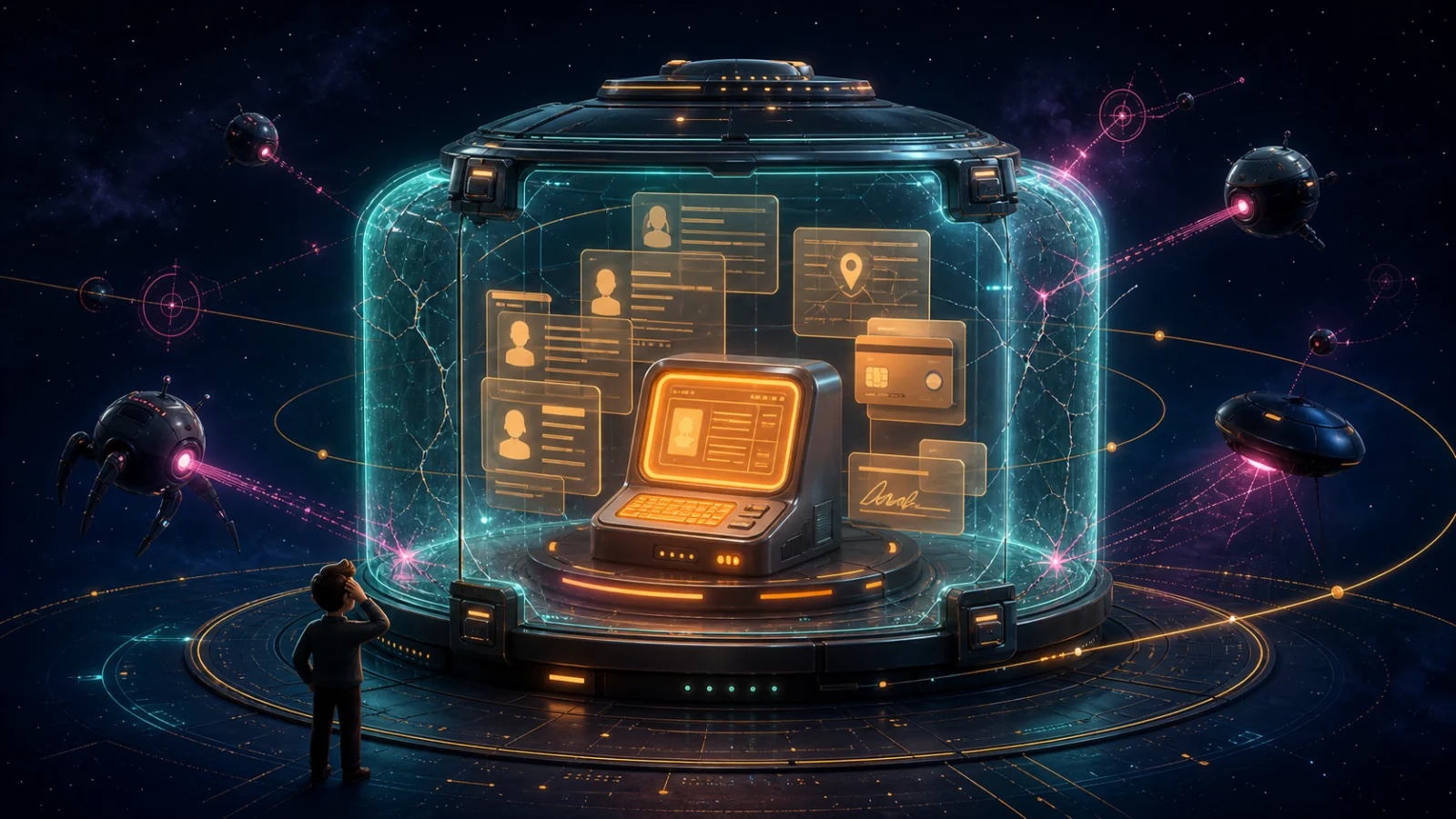
Your proposal tool holds customer names, addresses, maybe payment or financing details. That makes you the custodian of sensitive data — with all the responsibility that carries and none of the security review a real product goes through.
AI-generated code frequently ships with vulnerabilities the author can't recognize, because recognizing them requires exactly the expertise you brought AI in to substitute for. A breach isn't a bug you patch on Monday — it's a legal and reputational event that can end a company. This is the risk that scales fastest and shows up with the least warning.
And it compounds. The moment you're the one storing customer data, security questionnaires stop being someone else's paperwork. Larger commercial accounts and some partners may ask how the system is secured, monitored, and governed. Depending on the buyer and the role the tool plays, they may also ask for a SOC 2 report. That does not mean every internal tool needs its own SOC 2 examination, but it does mean someone has to document the controls and answer the questions. If an examination is required, it involves formal controls, evidence collection, monitoring, and an independent auditor — a meaningful program, not a checkbox.
One leaked key can quietly become someone else's checkbook
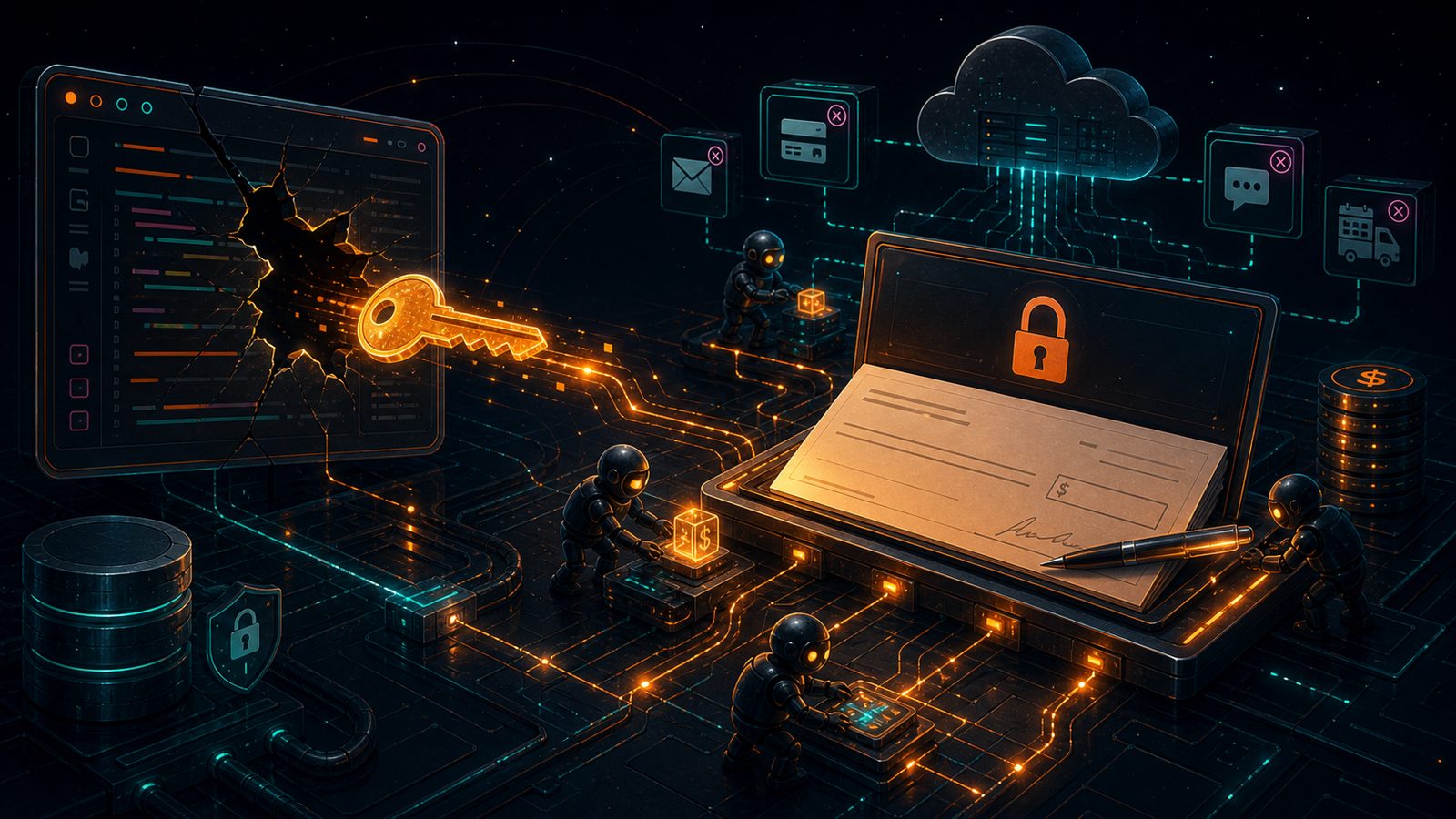
Here's a failure mode that almost never shows up in the demo, because the demo works. Your tool runs on keys and secrets — the database password, the payment processor's API key, the credential that talks to your FSM, maybe an AI key that generates proposal copy or drawings. Every one of those is essentially a password that unlocks something expensive, and AI-built prototypes are notorious for leaving them in the wrong place: hard-coded into the app, committed to a public code repository, dropped into a chat, or shipped down to the browser where anyone can read it.
The moment one of those keys leaks, three very bad things can happen — and you may not notice any of them until it's too late.
Silent access. An attacker with your database or FSM key doesn't kick down the door; they let themselves in with a valid credential, so nothing looks alarming. There's no failed-login alert, no obvious break-in — just someone quietly reading (or copying, or altering) every customer record you have, for as long as it takes you to notice. Without monitoring you almost certainly won't, and "we're not sure how long they had access" is one of the worst sentences you can say to a customer or a regulator.
A bill with your name on it. Automated bots scan public code around the clock specifically for exposed keys, and when they find one, they use it. A leaked cloud or AI key can be spun up to mine cryptocurrency or run someone else's workload at scale — and the charges land on your card. Businesses have woken up to five- and six-figure overnight bills from a single key that sat exposed for a few hours. The provider may forgive some of it, or they may not, and either way you're now spending your week fighting an invoice instead of running your company.
The lights get switched off. When a key gets abused, the provider's first move is often to protect their platform by suspending the account it belongs to — and that can quietly break the parts of your business that run on it. If your email-sending key is used to blast spam, the provider can disable your sending to protect its reputation, and now your proposal notifications, signed-document receipts, and follow-up reminders simply stop going out. You don't get an error; customers just never hear from you. The same thing can happen to payment processing, texting, or your FSM connection. One compromised credential doesn't only let someone in — it can lock you out of the tools your sales process depends on, at the worst possible time.
None of this requires a sophisticated attacker. It requires one secret in the wrong spot — exactly the kind of mistake that's easy to make and hard to catch when nobody on the team does secrets management for a living. A real vendor rotates keys, scopes them tightly, watches for anomalies, and gets alerted when something's off. On a weekend build, that entire discipline is usually just missing.
The insurance nobody budgeted for
Storing customer data on software you built can change your risk profile. Your existing cyber liability coverage may already address part of that exposure, or your broker may recommend different limits, controls, or technology errors-and-omissions coverage. The important step is to disclose the system and confirm what your policy actually covers. Using a vendor can reduce the infrastructure you operate directly, but it does not eliminate your own responsibility for customer data or your need for appropriate coverage.
The services behind the software have their own bills
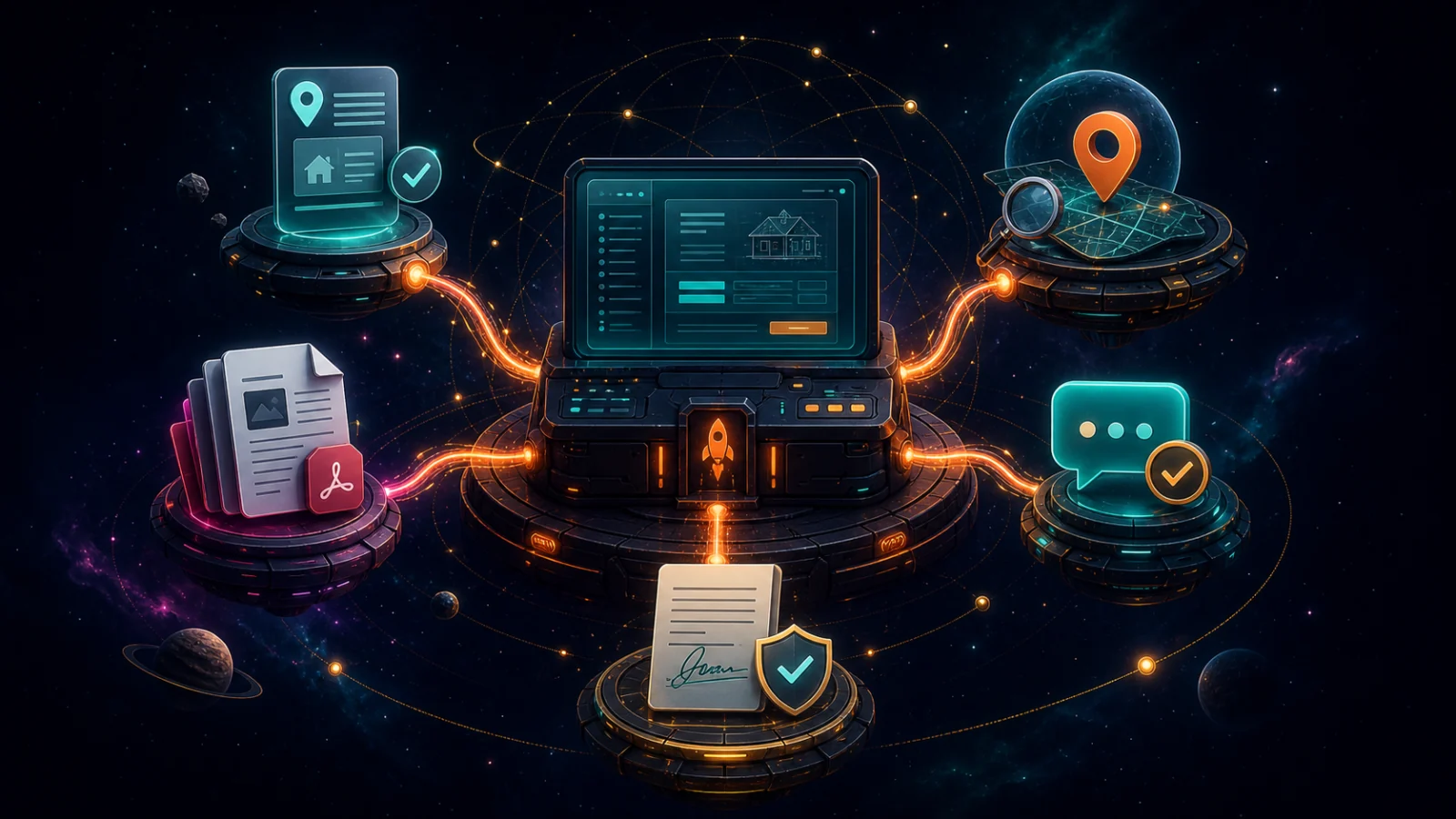
A production proposal platform rarely does everything from scratch. It relies on specialized third-party services for the parts that need dependable data, licensed technology, or years of engineering behind them — including address and property data, location search, document processing, communications, and other infrastructure customers never see.
Those services charge by subscription, usage, document volume, or a combination of the three. They also change their APIs, pricing, limits, and terms over time. A homegrown tool can absolutely connect to them, but someone still has to evaluate the vendors, negotiate or accept the terms, secure the credentials, monitor usage, absorb price changes, and update the integration when an upstream service changes.
Customer communications have approval gates
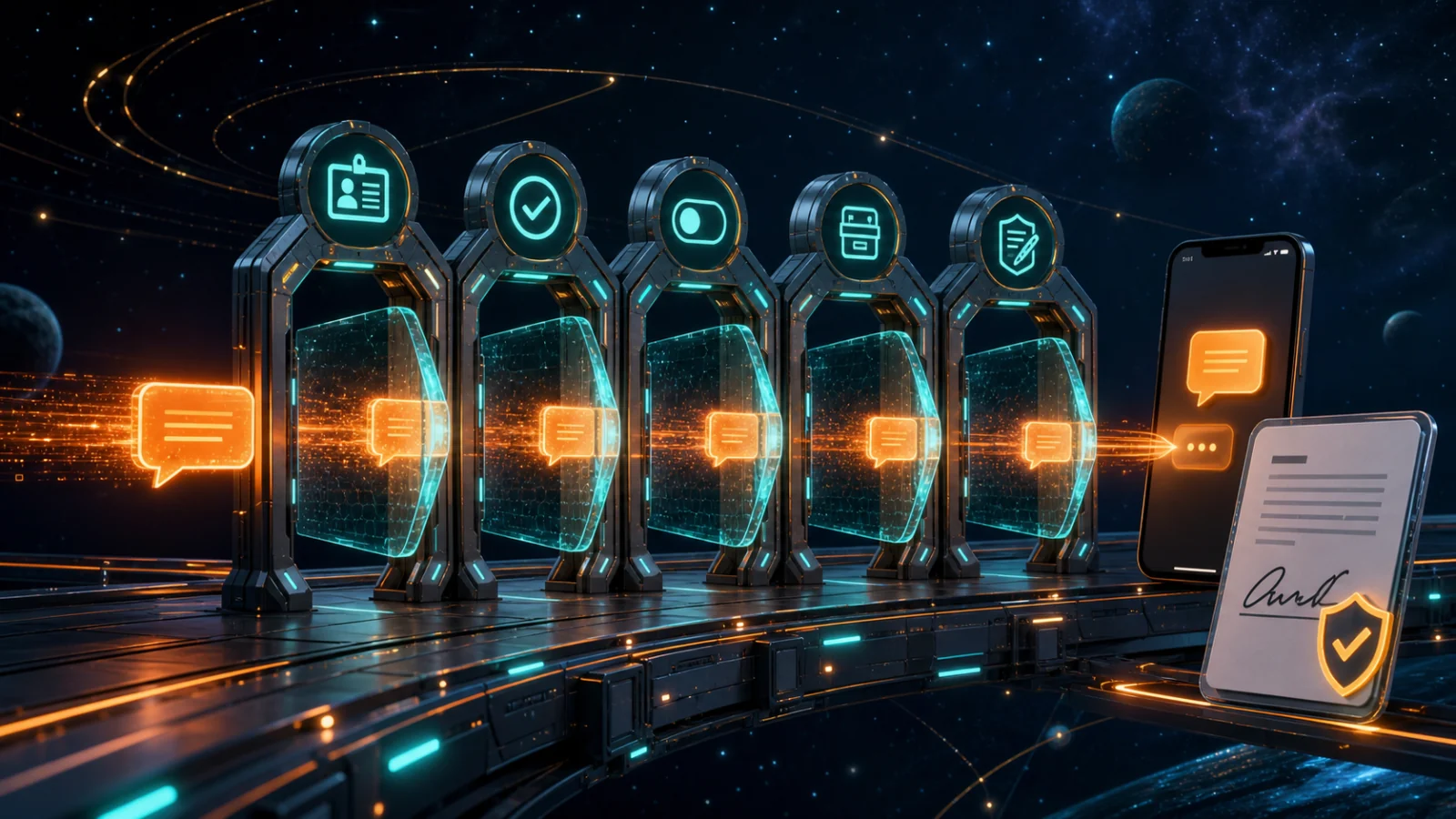
Sending a text from software is technically easy. Sending business texts reliably and responsibly is an operating program. U.S. application-to-person traffic over 10-digit long-code numbers generally requires A2P 10DLC brand and campaign registration, including details about the sender, the use case, and how customers opt in, opt out, and request help. Registration can be rejected, carrier requirements evolve, and delivery still has to be monitored after approval.
Electronic signatures carry a parallel set of responsibilities. The signature box is the visible part; behind it are consent language, signer attribution, timestamps, document integrity, audit evidence, retention, and a process for producing the signed record later. The exact legal requirements depend on the transaction and jurisdiction, but “we captured a squiggle” is not the same thing as maintaining trustworthy evidence of an agreement.
The forms themselves aren't free to digitize
Here's one that's easy to miss, and it's specific to pest control. Standardized industry forms are copyrighted works. The NPMA-33 — the wood-destroying insect inspection report — is licensed by the National Pest Management Association, and reproducing or generating it electronically inside your own software carries licensing terms you have to account for. Bake a copyrighted form into your homegrown tool without the proper permission and you've created a compliance and legal problem, not a feature. Before choosing any platform — or building your own — verify that the required forms are properly licensed.
Your field team needs field-ready software — and that's a whole new mountain

Here's the one that catches everyone. A web app that works on your laptop is not automatically field-ready. Your reps are in driveways and living rooms, on phones, sometimes with bad signal.
Turning your prototype into something that works reliably in the field means responsive mobile design at minimum. A progressive web app can provide an app-like experience and support some offline behavior without an app-store release; native iOS and Android apps are another option, not an automatic requirement. The genuinely difficult work is reliable offline operation: deciding what is cached, synchronizing changes, handling conflicts, and recovering cleanly when connectivity returns. Smarter Launch is actively developing those offline capabilities because field reliability takes more than wrapping a website in an app icon.
The FSM vendors have a gate, and you need their key
If your tool needs to talk to your field service management platform — FieldRoutes, PestPac, whatever you run — you don't get to just plug in. These vendors gate API access. You typically need:
- Approval into their developer or marketplace program
- A security review of your app before they'll grant real access
- Ongoing compliance as their platform changes
That approval isn't guaranteed, it isn't fast, and it isn't one-and-done. A weekend prototype that reads and writes your FSM data through unofficial means is one policy change away from being cut off — and taking your workflow down with it.
The opportunity cost nobody writes down

Add all of this up and here's what actually happened: your marketing manager is now a part-time, untrained, unpaid software operator. Every hour spent babysitting hosting, chasing a bug, or fielding "can you add a field" requests is an hour not spent on marketing — the thing you hired them for and the thing that actually grows the business.
You didn't just build a tool. You quietly took on a second job and assigned it to someone who already had one.
What happens the day that person leaves?

Now follow that thread one step further. Whoever built this tool is the only person who understands how it works — the only one who knows where it's hosted, how the pieces fit, which duct-taped fix is holding which part together. That's fine right up until it isn't.
People leave. They take a job somewhere else, they burn out on being the accidental IT department, or they realize the thing they built has value and go start their own company with it. The day they walk out the door, the software your sales process runs on becomes a black box that nobody left in the building can open. A tool that "just works" is one resignation away from a tool that nobody can fix, change, or even explain — and you won't feel it until the day you suddenly need to.
This is a quieter risk than an outage or a breach, but it's the one that compounds the longest. Every month you run on a homegrown tool, more of your operation gets wired to one person's undocumented knowledge, and the cost of them leaving goes up.
And it reaches further than you'd think. If you ever look to sell or get acquired, a buyer does diligence on exactly this kind of thing. A critical, undocumented, single-maintainer system that depends on one employee sticking around isn't an asset on your books — it's a liability that shows up in the valuation. "What happens if this person leaves?" is a question a serious acquirer will ask, and "we're not sure" is not the answer you want to give at the table. Software backed by a real vendor is a line item they understand; a black box built by someone who may already be gone is a discount, or a dealbreaker.
And what happens when someone new joins?

The opposite side of key-person risk is the cost of bringing new people in. You can hire someone who already knows a widely used CRM, proposal platform, or field service system. You cannot hire someone with prior experience using the private software stack your team invented for itself.
Every new sales rep, marketer, manager, or administrator starts at zero. They have to learn your terminology, your undocumented workflows, your workarounds, and all the places where the tool behaves differently from the software they have used before. If the original builder is the only person qualified to train them, onboarding becomes another demand on the same bottleneck.
That means longer ramp-up times, more mistakes during training, and more internal time spent teaching software instead of teaching the job. A homegrown system may fit today's team perfectly, but it also creates a knowledge tax on every employee you hire tomorrow.
The honest napkin math
The build felt free, because AI did it. So let's price what you actually own now. These are illustrative planning assumptions, not universal quotes; labor rates, infrastructure, insurance, licensing, and compliance needs vary widely.
And these costs do not stay flat as the business grows. More locations, users, proposals, photos, videos, signatures, and customer records mean more bandwidth, storage, database capacity, server resources, monitoring, and support. A small internal tool may be inexpensive to host at first, but the infrastructure bill — and the operational work behind it — grows with the volume and importance of the application.

| What it really costs | Setup | Every year after |
|---|---|---|
| Hosting & infrastructure (small-team baseline; grows with usage) | ~$2,000 | ~$3,000+ |
| Backups, monitoring, security (done properly) | ~$5,000 | ~$4,000 |
| Your team's time operating it (~0.5 day/week) | — | ~$12,000 |
| Emergency dev help when it breaks (at premium rates) | — | ~$8,000 |
| Third-party services (data, maps, document SDKs, etc.) | Varies | Varies with usage |
| Messaging registration and communications compliance | Varies | Ongoing |
| Field-ready mobile and offline operation, if required | Varies | Varies |
| FSM integration + approval effort | ~$3,000 | ~$1,500 |
| Insurance changes, if your broker requires them | Varies | Varies |
| SOC 2 program and examination, if required | Varies | Varies |
| Digital form licensing (NPMA-33, etc.) | Varies | Varies |
| Core rows with estimates shown | ~$10,000 | ~$28,500+/yr |
Using only the core rows with estimates shown, that planning scenario reaches roughly $95,500+ over three years — before third-party usage, communications compliance, field-offline work, insurance changes, a SOC 2 program, or form licensing. That is not a prediction for every company; it is a prompt to price the operational work instead of treating it as free.
For comparison, Smarter Launch pricing starts at $279 per month per location, or $10,044 over three years at today's published starting price, before onboarding and optional add-ons. The exact comparison depends on the features and locations you need, but the subscription belongs on the same spreadsheet as the build-and-operate scenario.
When building it yourself actually makes sense
To be fair, sometimes it does. If your proposal process is a true competitive moat — something so specific to how you win that no product could replicate it — and you're willing to genuinely staff it like the software product it is, custom can be right.
For most home services businesses, neither is true, and that's not a criticism. Your edge is in the field, in your service, in your operations. It was never supposed to be in operating a document-and-signature app. The weekend prototype proved your instinct was good — it just doesn't have to become your problem to maintain.
Before you commit, ask these questions
If you built something and you're deciding whether to run your business on it, ask the person who built it:
- If the data is deleted tomorrow, can we restore it — and have we tested that?
- Who fixes it, tonight, if it goes down during a sale?
- If the person who built it left tomorrow, could anyone else run it, change it, or explain it?
- Is it approved to connect to our FSM (FieldRoutes, PestPac), or are we relying on a back door?
- Does it actually work for reps in the field on their phones?
- Are we licensed to generate the industry forms we're putting in it, like the NPMA-33?
- Where do the keys and passwords live, and how fast would we know if one leaked?
- Does our insurance cover this use of customer data — and can we answer a customer's security questionnaire with evidence?
- What's this costing in the time we're not spending on our real jobs?
If those answers make you uneasy, that's not a failure. It's just the difference between a great prototype and a product you can bet the business on.
The math that makes buying the smart call

This is exactly the problem Smarter Launch was built to solve — and it's why the subscription math works so decisively in your favor.
We invest heavily and continuously in the product: the hosting, the backups, the security, our ongoing SOC 2 readiness work, the mobile experience and offline development, the FSM integrations, the form licensing, the roadmap. Every one of those hidden costs you'd shoulder alone is a fixed cost for us — and we spread it across many companies. That's what lets us keep the price competitive while reducing the operational burden on your team and delivering functionality no single home services business could responsibly commit the resources to build and maintain on its own.
Put simply: your subscription buys you the output of a full product team for a fraction of what one line item in that napkin-math table would cost you to own. You get more capability, less risk, and — most importantly — your time back to spend on the one thing that actually compounds: growing your core business.
And if you're already on Smarter Launch and you've hit a spot in your proposal flow where it isn't doing what you need — that's not a reason to go build a side tool and inherit all of this. It's a reason to tell us. Schedule a call with our team and walk us through the gap. More often than not we can solve it inside the platform, or it's already on the roadmap and your feedback moves it up the list. Either way, you get your team what it needs without quietly taking on the hosting, security, and backup risks this whole article is about.
The weekend prototype proved your instinct was right. Let us carry the part that isn't your job, so you can go do the part that is.
If you are also deciding whether to replace your underlying FSM or CRM, read our guide to the current software rush and why waiting may be your best move.
Curious how the numbers shake out for your team? We're happy to walk through the trade-offs with you — no pressure either way.